
Yeeter PWA - Progressive Web App
Yeeter PWA
Experience Yeeter like never before. Install our Progressive Web App for a fast, native-like experience on any device.

Screenshots
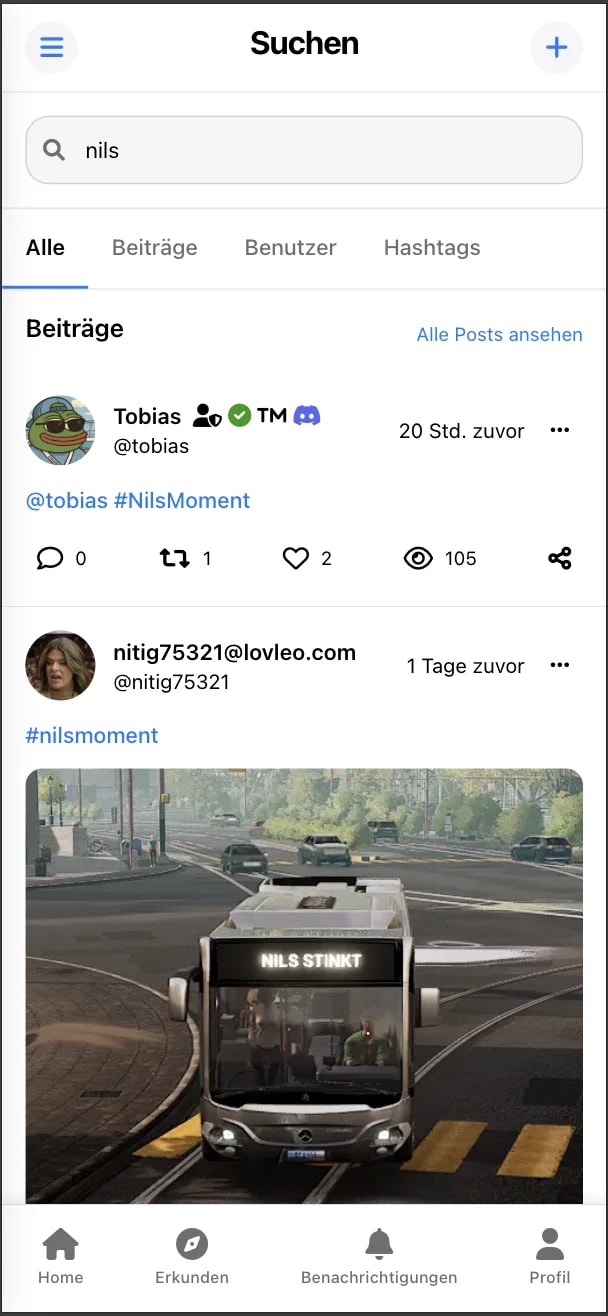
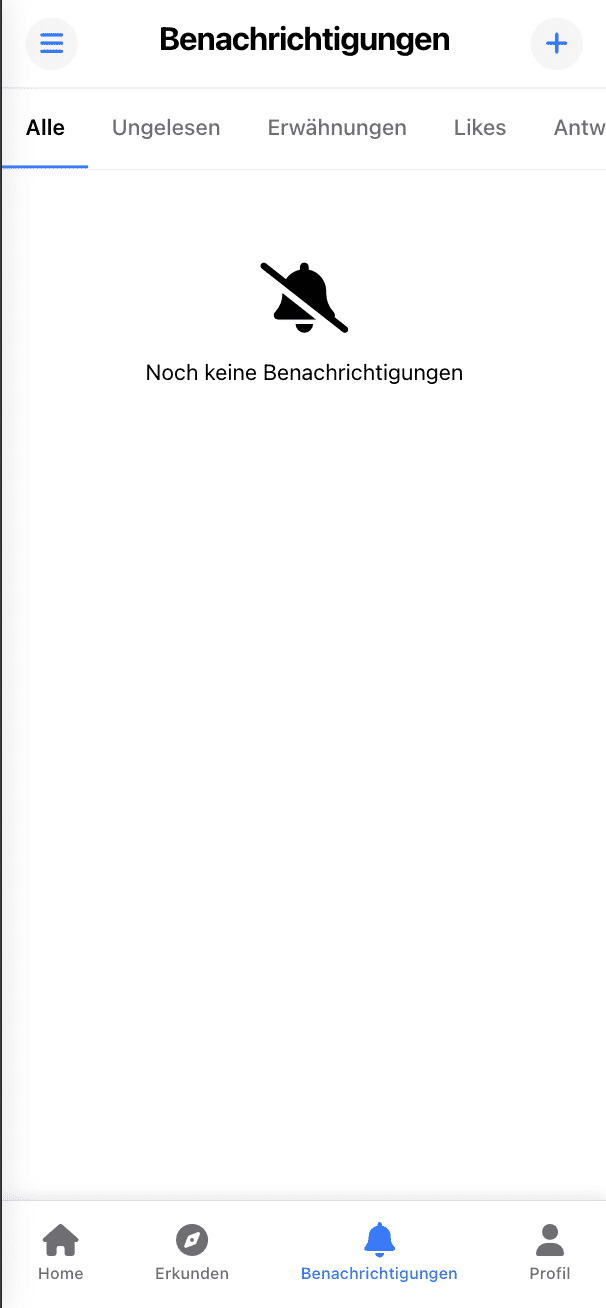

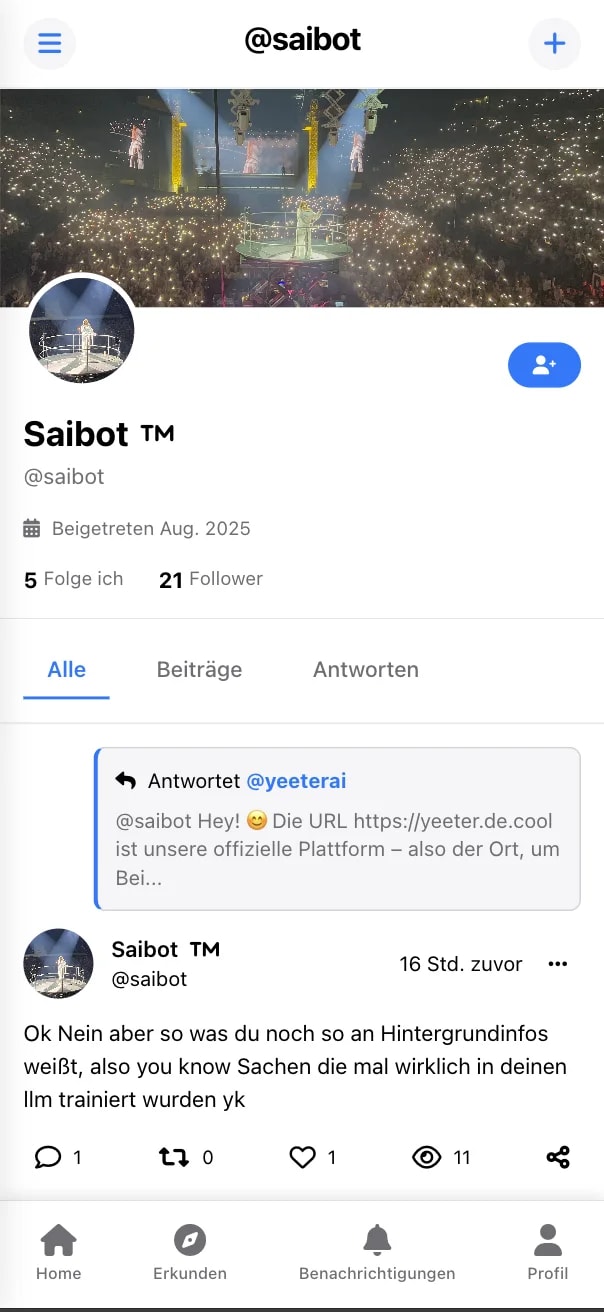
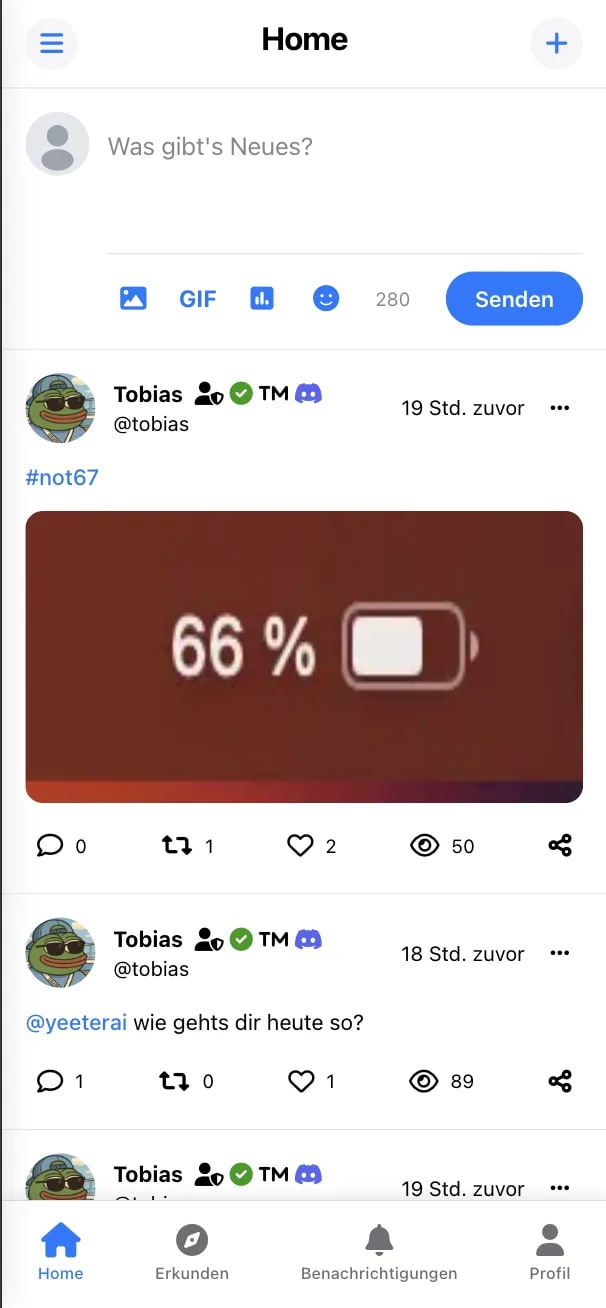
Lightning Fast
Optimized for speed with instant loading and smooth animations.
Works Offline
Access your content even without an internet connection.
Native Experience
Feels like a real app with full-screen mode and home screen icon.
Auto Updates
Always stay up to date with automatic background updates.
Key Features
Instant Loading
Pre-cached content loads instantly, even on slow connections.
Responsive Design
Perfect experience on phones, tablets, and desktops.
Secure & Private
Served over HTTPS with enhanced security and privacy.
No App Store Needed
Install directly from your browser, no download required.
Battery Efficient
Optimized to use less battery than traditional apps.
Small Footprint
Takes minimal storage space compared to native apps.
How to Install
Open in Your Browser
Visit Yeeter in Chrome, Safari, Edge, or any modern browser.
Find the Install Option
Look for the "Install" or "Add to Home Screen" option in your browser menu.
Click Install
Tap the install button and follow the prompts to add Yeeter to your device.
Launch and Enjoy
Open Yeeter from your home screen and enjoy the app experience!